
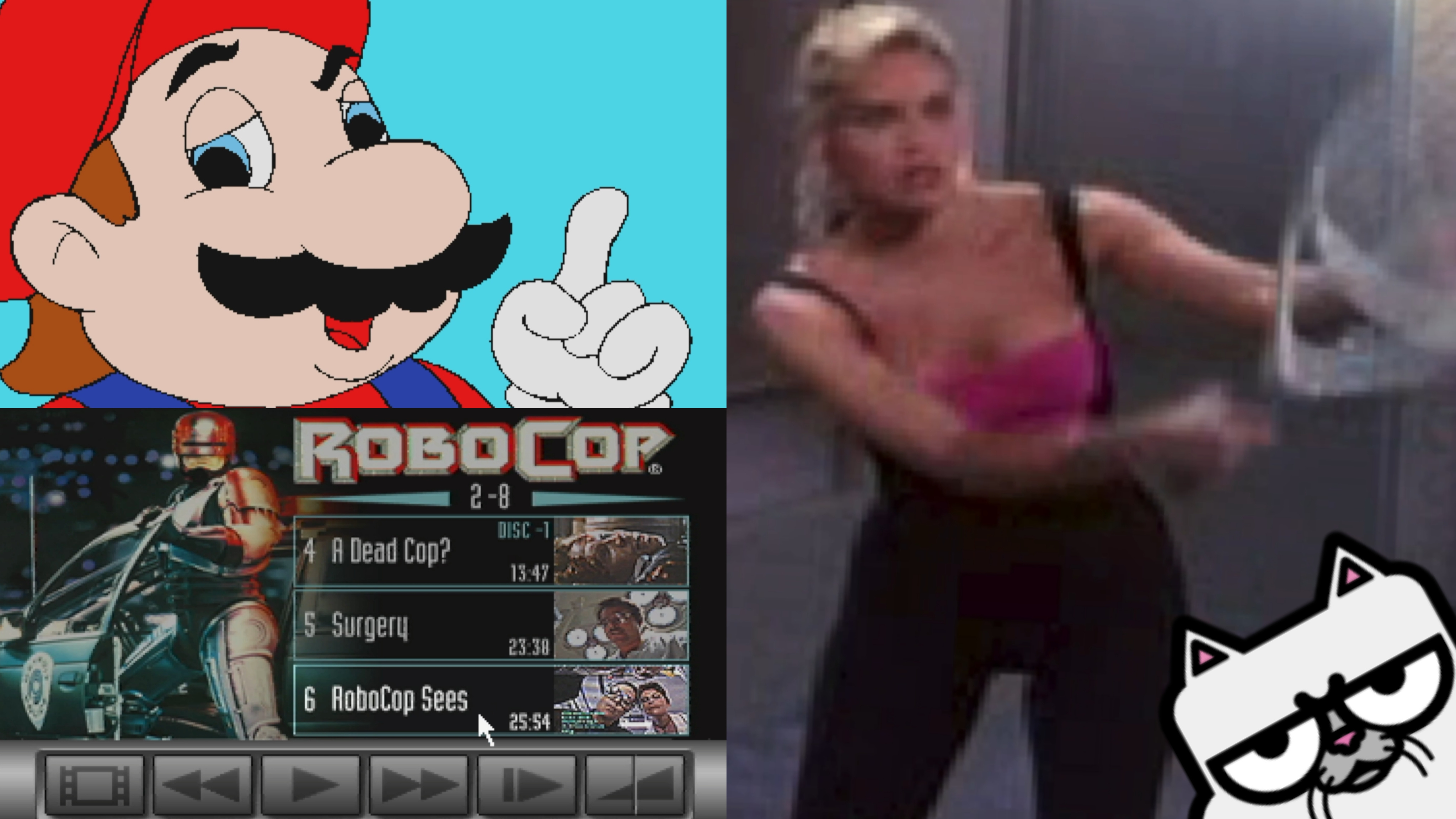
The Philips CD-i core for the MiSTer FPGA platform has received a significant update, focusing heavily on the Digital Video Cartridge (DVC) functionality and input versatility. These improvements address long-standing playback issues and expand the hardware’s capabilities, bringing the core closer to hardware parity with the original multimedia machine.
Enhanced Video Playback (FMV)
The Digital Video Cartridge was the CD-i’s “killer app” in the 90s, allowing for Full Motion Video (FMV). This update introduces several technical fixes to the MPEG stream handling to ensure a smoother experience:
- FIFO Buffer Expansion: The picture FIFO (First In, First Out) buffer now allows up to 25 frames. This specifically resolves playback issues for videos with smaller frame sizes and fixes previously broken sequences in titles like Les Guignols de l’Info.
- Buffer Headroom: By extending the headroom for framebuffers, the core avoids data corruption that previously occurred when the output buffer dropped to only four frames of remaining space.
- Data Flow Control: A new FIFO full flag has been implemented. This is a critical fix for titles like Imagination in Motion – A New Era in 3D Chill Out Video. It prevents “data flooding” and overflows that occurred when pausing playback via
mv_pause()and resuming withmv_continue().
Experimental Playback Features
For those looking to analyse or enjoy CD-i content in new ways, the update introduces experimental playback modes:
- Slow Motion & Single Step: Users can now utilize slow-motion playback and step through video frame-by-frame.
- Known Issue: It is worth noting that in its current experimental state, using slow motion causes the audio and video to lose synchronization.
Expanded Input & Two-Player Mode
Beyond video improvements, the core has gained better support for peripheral hardware:
- Secondary Pointing Device: The update adds support for a second pointing device, enabling true two-player functionality.
- Activation: This feature is optional and is not enabled by default. Users must manually activate it by navigating to the OSD (On-Screen Display) -> Hardware Config menu.
| Feature | Benefit | Specific Titles Fixed |
| 25 Frame FIFO | Fixes long videos/small frames | Les Guignols de l’Info |
| FIFO Full Flag | Fixes pause/resume crashes | Imagination in Motion |
| Extended Headroom | Prevents data corruption | General FMV Stability |
| Secondary Input | Enables 2-player mode | All multiplayer titles |
You can support Slamy, who is the developer of this core via their Patreon.