
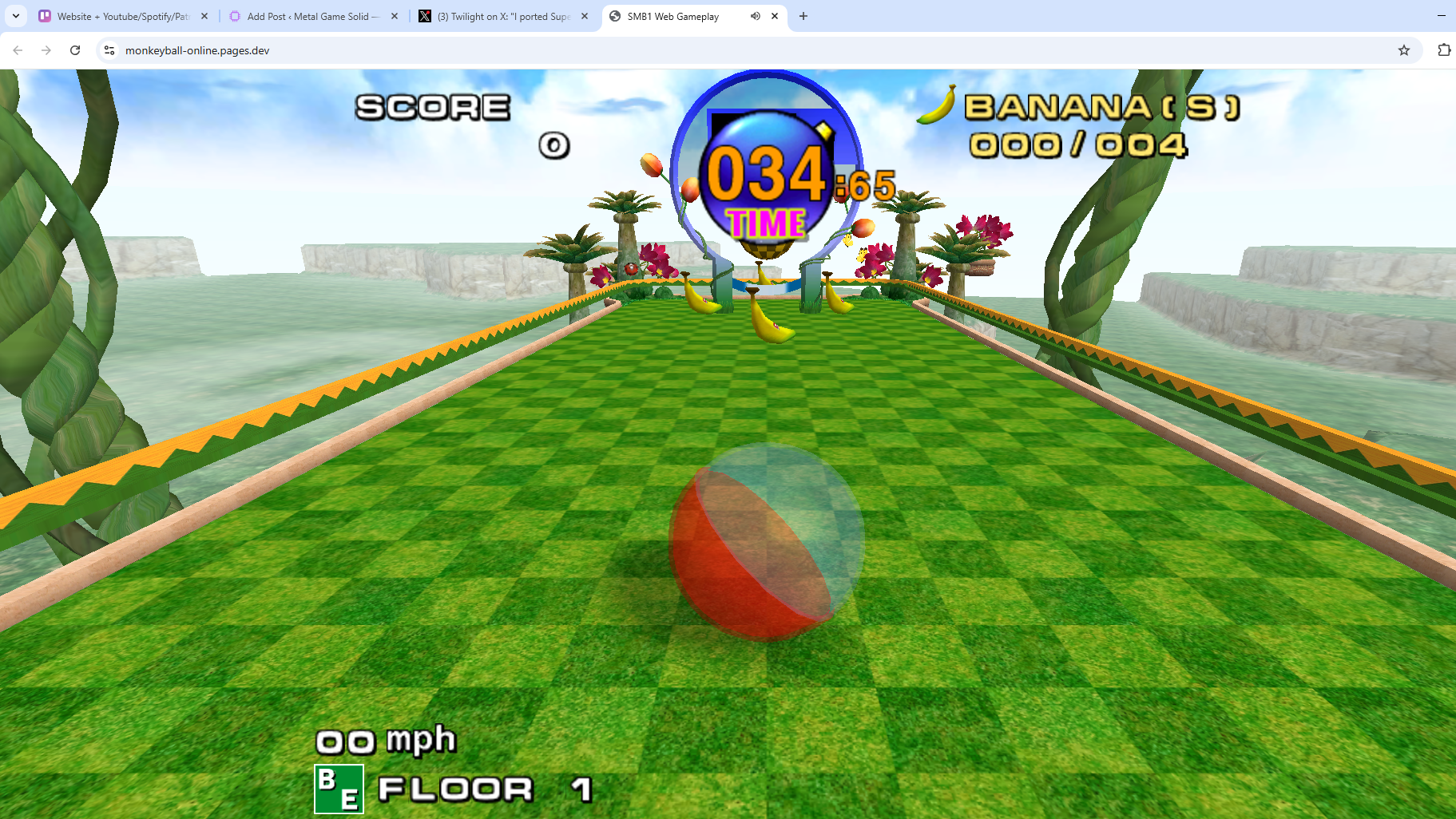
Super Monkey Ball was a favourite of mine in the GameCube era. The single player game was great but the mini games were something else. It gave the buzz of a true N64 successor in terms of multiplayer capabilities and fun factor. It’s a game that has aged extremely well.
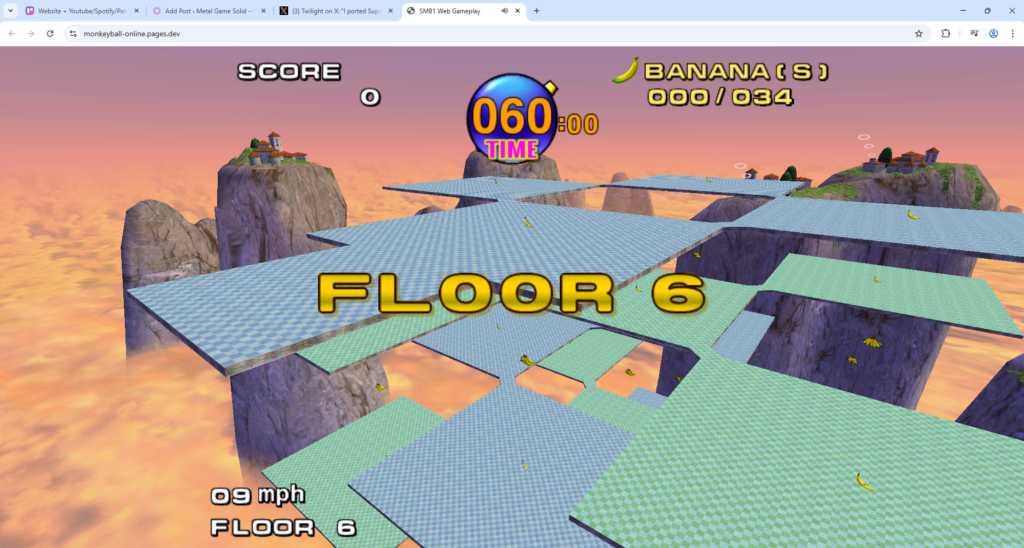
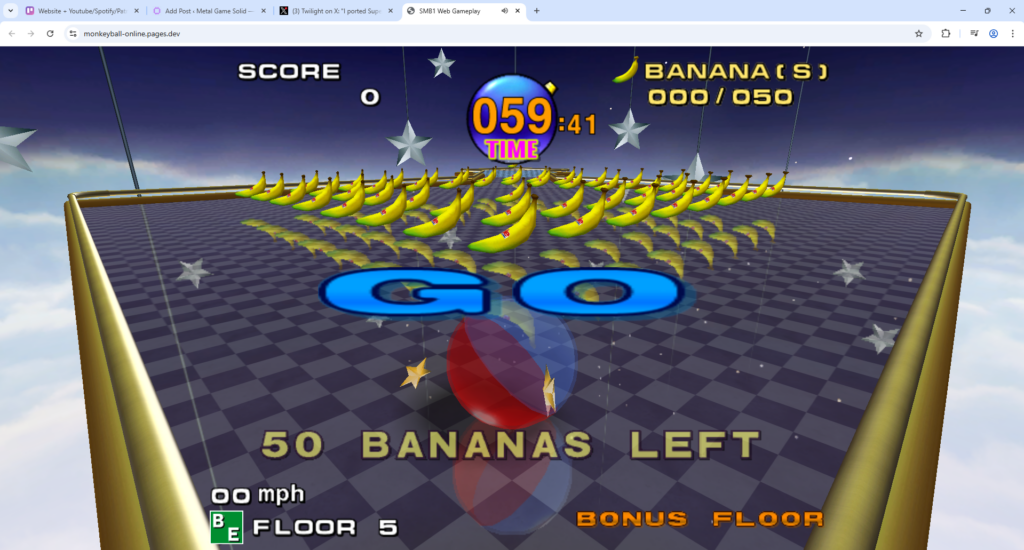
Monkey Ball Online (hosted at monkeyball-online.pages.dev) is a community-driven technical project that ports the core gameplay mechanics and assets of the original Super Monkey Ball series to modern web browsers. The project serves as a functional demonstration of web-based game engine capabilities, specifically focusing on the emulation and rendering of GameCube-era physics and graphics.
Technical Architecture and Development
The project is a collaborative effort involving several prominent figures in the classic gaming decompilation and porting community. Key contributors include:
- TwilightPB: Responsible for the web porting and implementation.
- ComplexPlane: Provided the custom rendering engine used to display 3D assets in-browser.
- camthesaxman: Credited with the decompilation of the original game code, which allows for the accurate recreation of the game’s physics and logic.
- SMB Custom Level Community: Provided the tools and resources necessary for asset management and stage implementation.
Content and Compatibility
The platform provides access to a wide array of content derived from the first two entries in the franchise:
- Super Monkey Ball 1: Includes the full difficulty tier system (Beginner, Advanced, Expert, and Master) and their corresponding “Extra” stages.
- Super Monkey Ball 2: Features both Challenge Mode and Story Mode, spanning multiple “Worlds” and specific stage selections.
- Special Modes: Includes “MB2WS” (Monkey Ball 2 Widescreen), optimizing the classic experience for modern aspect ratios.
Input and Control Systems
To ensure accessibility across different hardware, the developers implemented a multi-modal control system:
- Desktop: Supports standard keyboard inputs (WASD/Arrow keys for tilting) and features plug-and-play support for physical game controllers.
- Mobile: Utilizes hardware-based Gyroscope sensors for tilt controls and a customizable touchscreen virtual joystick.
- Calibration Tools: The site includes a “Stick Calibration” interface, allowing users to map the gate of their analog sticks for precise movement.
User Interface and Settings
The web interface allows for real-time adjustments to the gameplay experience. Users can modify audio levels (Music, SFX, and Announcer) and fine-tune control sensitivity. Specifically, the “Input Falloff” setting allows users to choose between linear movement and high-precision adjustments, while the “Gyro Sensitivity” can be adjusted for mobile play.
Project Status
As an unofficial fan project, the site is categorized as a work-in-progress. The developer, TwilightPB, notes that the project is subject to ongoing bug fixes and refinements. It stands as a significant example of how legacy console software can be preserved and made accessible through modern web technologies like WebGL and WebAssembly.