
Update 08-03-2026 – Version 2.2.0 Released
– Device management (save multiple MiSTer systems)
– Storage usage monitoring (SD and USB)
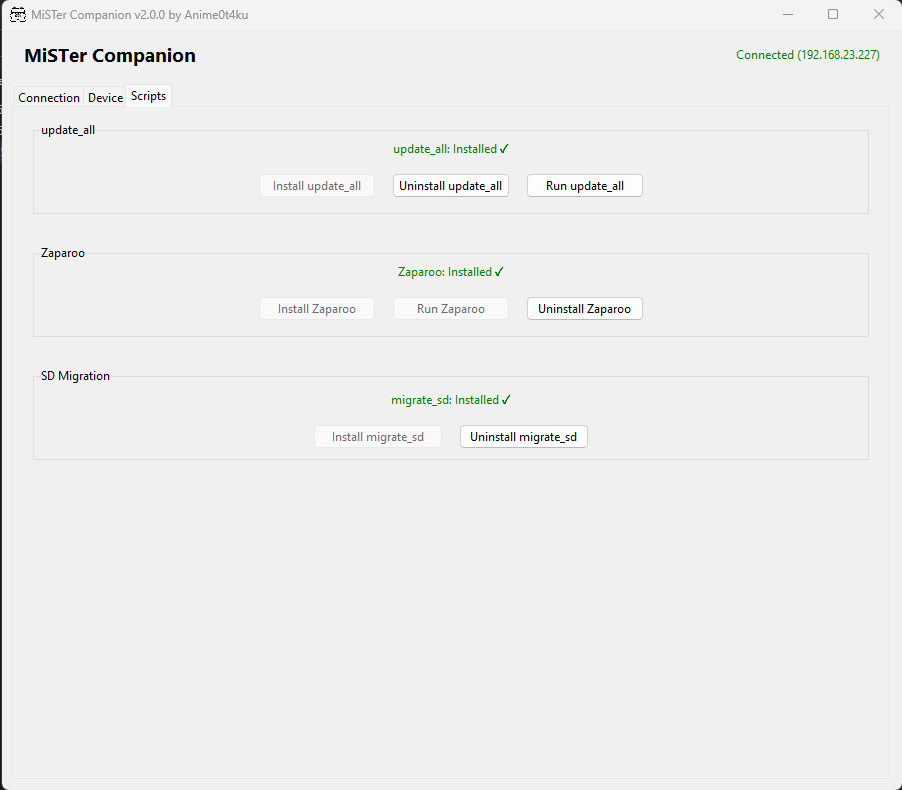
– update_all installation and execution
– Zaparoo installation and setup
– ZapScripts launcher via Zaparoo Core API
– SD migration tool (migrate_sd) installer
– cifs_mount installer and config
– SMB enable / disable
– Open MiSTer share in Windows Explorer
– Remote reboot
– SSH console output for script execution
——————————————————————————————————————-
A new update for my MiSTer Companion tool is now available.
MiSTer Companion v2.0.0 introduces a redesigned interface and several new management features for MiSTer users. The application now uses a tabbed layout to better organize the different tools and system information, making it easier to navigate and manage your MiSTer from a Windows PC.
With this release you can:
Save and switch between multiple MiSTer devices
Monitor SD and USB storage usage
Install and run update_all with live SSH output
Install Zaparoo directly from GitHub
Install the migrate_sd script for SD card migration
Enable SMB and open the MiSTer share in Windows Explorer
Reboot your MiSTer remotely
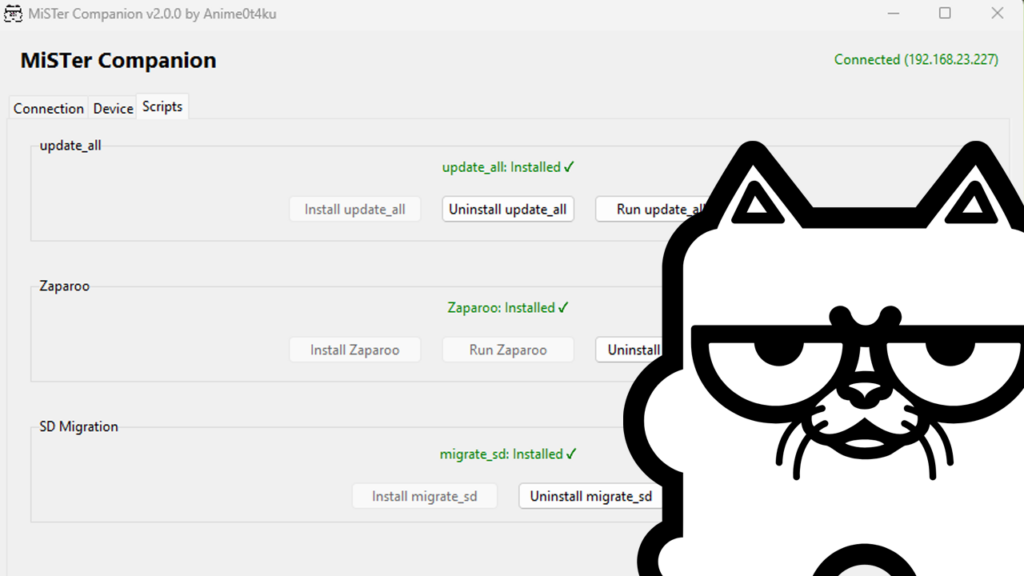
The new Scripts section allows you to manage several commonly used MiSTer scripts directly from the application, removing the need to manually download or transfer them.
MiSTer Companion still requires MiSTerFusion and an active internet connection on the MiSTer for downloading scripts and updates.
As with the first release, MiSTer Companion is my own personal project and is not affiliated with or officially connected to Metal Game Solid.
If you try the new version, feel free to share feedback.
Download MiSTer Companion here.
Great update. This is becoming a Swiss army knife for the MiSTer.